The Estimated Sales By Department widget is useful in planning and forecasting. It gives you a nice snapshot of the projected revenue balance across departments for a given timeframe. From a sales management perspective it can quickly analyze trends and expose areas to best to focus on when setting budgets and planning for future growth.

Recent Inventory Received eliminates the need for the warehouse to come by client services every time a new item comes in. With this widget client services can easily view and edit inventory items as they are received. It removes traditional paper notification processes and provides real time information when communicating to customers.

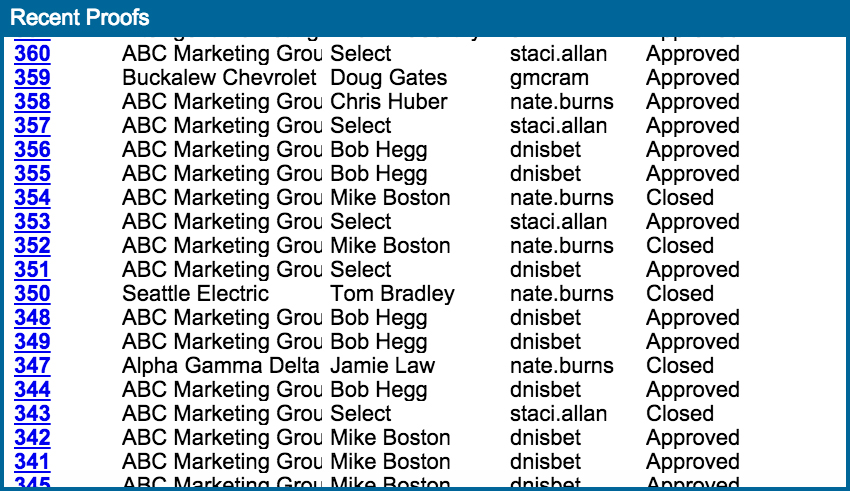
Recent Proofs provides a list of outstanding proofs with their status. With this tool, customer service and sales can see when proofs have gone out. If there are many people responsible for sending out proofs then the widget allows a ‘team view’ of all proofs in progress.
After a job is completed or ‘dropped’ (meaning it has a shipped/dropped date but no close date) this tool provides client services and accounting with a list of jobs ready to be billed. CSRs and Accounting can see a complete list of jobs that need to be billed. To bill a job, simply click on an order number from this widget, add a close date, print the invoice, and close the job. This causes a job to be automatically removed from the widget.

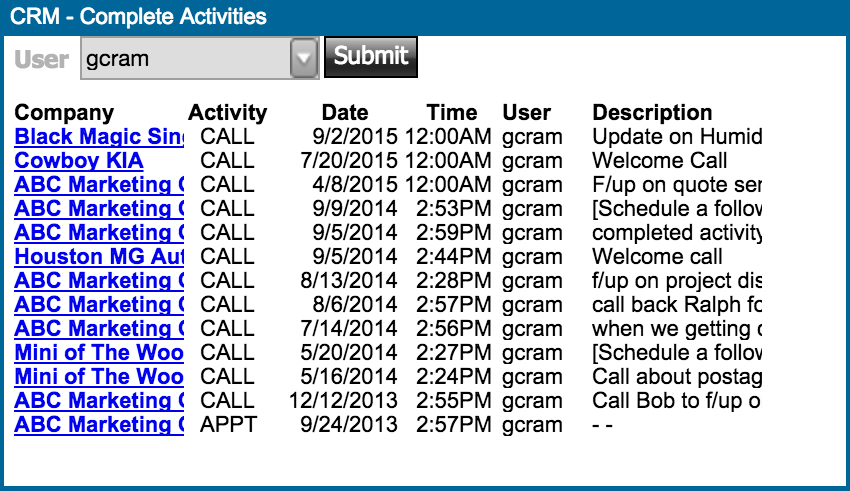
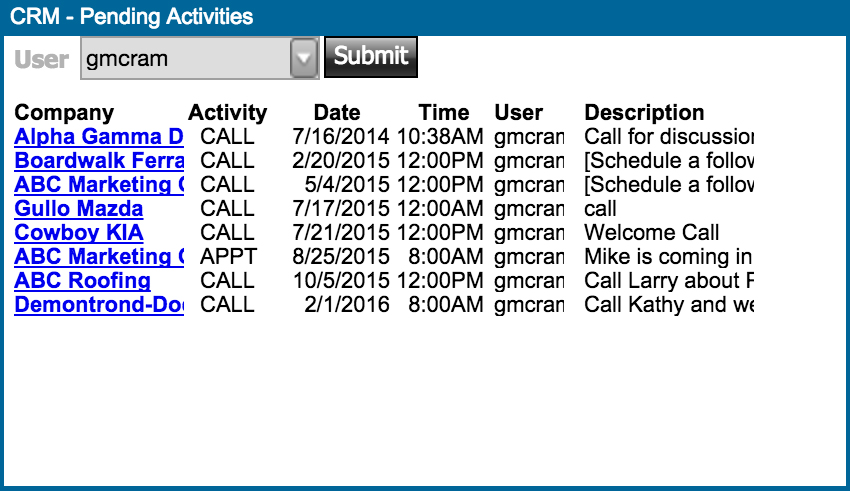
The CRM widgets keep track of activities within Midnight. If a sales team member is out of the office, the CRM Completed and Pending activities can be easily accessed by any team member to keep jobs moving without skipping a beat. This tool is a great way to keep communications and activities all in one place without having to comb through days of email correspondence.